
PART 4:
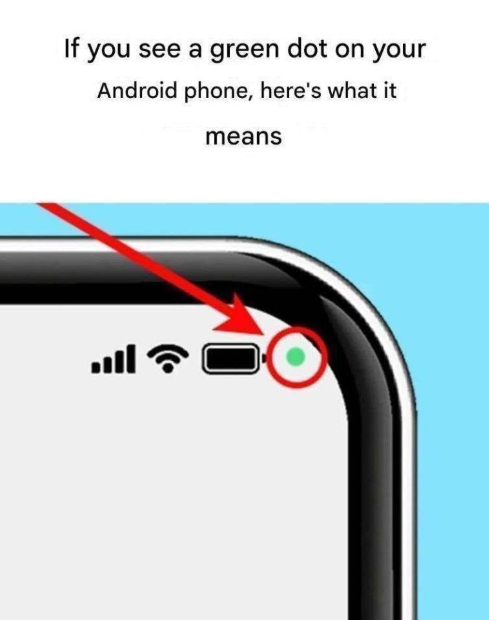
The green dot indicator is one of the most effective privacy upgrades in modern Android software, putting you in complete control of your smartphone’s hardware. By combining this real-time visual alert with smart permission management, you can easily protect your personal space and prevent unwanted background monitoring.
To keep your Android device as secure as possible, adopt these simple privacy best practices:
- Audit Your App Permissions Regularly: Head to your phone’s Settings > Privacy > Permission Manager. Take a quick look at which apps have access to your Camera, Microphone, and Location, and revoke permissions for any apps you no longer use or trust.
- Set Permissions to “While in Use”: For apps that genuinely need camera or microphone access (like video calling or navigation apps), set their permission status to “Only while using the app”. This prevents them from accessing hardware while running in the background.
- Uninstall Suspicious or Unused Apps: If you spot an unfamiliar app triggering the green dot when it shouldn’t—such as a basic flashlight app or calculator asking for microphone access—delete it from your device immediately.
- Keep Your System Updated: Always install the latest Android system updates and security patches. Operating system updates frequently refine privacy protections and patch security vulnerabilities.
By staying aware of simple visual cues like the green dot and regularly reviewing your app permissions, you can enjoy all the convenience of your Android phone with total confidence and peace of mind!
