
PART 2:
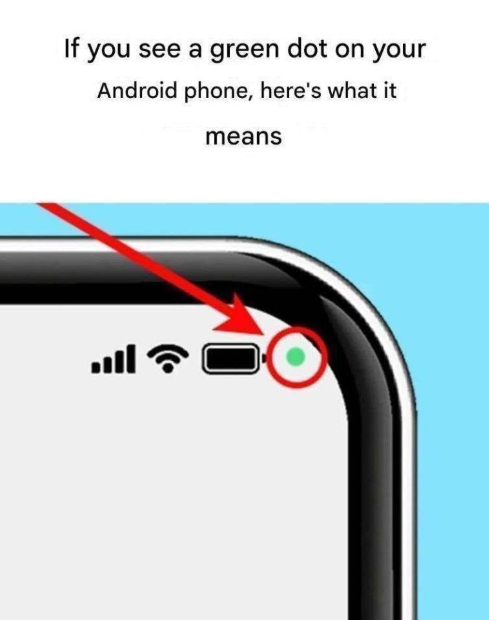
The green dot on Android is programmed to illuminate under very specific conditions: whenever an application requests and receives active access to your phone’s camera or microphone. Whether you are snapping a quick photo in a messaging app, recording a voice note, or making a hands-free phone call, the operating system instantly lights up the green dot to keep you informed.
When an app first accesses these components, Android briefly displays an icon of a camera or a microphone inside the green dot before shrinking it down into a simple, solid green circle. This visual cue stays on your screen for as long as the sensor remains active. Once the app finishes recording or capturing, the dot vanishes automatically.
This system guarantees transparency. If you open a social media app to take a selfie, seeing the green dot is completely expected. However, if you are simply reading an article or playing an offline game and the green dot suddenly appears, it alerts you that an app may be accessing your microphone or camera unexpectedly. But how do you check which exact app is responsible? Finding out takes just one quick gesture!
🔥 DON’T MISS PART 3: HOW TO CHECK WHICH APP IS USING YOUR CAMERA OR MIC! 👇
