
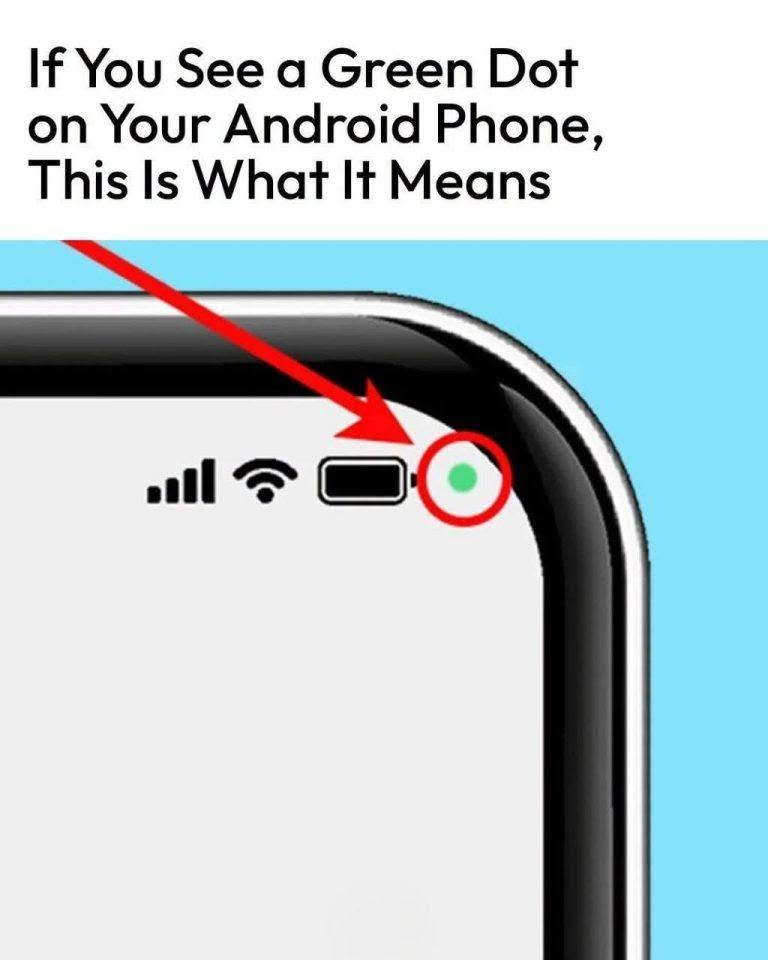
Part 6: How to Audit Your Phone’s App Permissions
Taking five minutes to clean up your permissions keeps your device secure and prevents unexpected hardware access:
- Open App Permissions: Go to Settings > Privacy > Permission Manager on your Android device.
- Audit Camera & Mic: Tap into Camera and Microphone lists to inspect every app that has authorization.
- Downgrade High-Risk Apps: Change settings for flashlight apps, basic games, or utility tools to “Don’t Allow”—most don’t need mic or camera access to function.
- Turn Off Unused Apps: Enable “Remove permissions if app is unused” so Android automatically revokes access for dormant software.
👇 CLICK “NEXT” TO GET THE FINAL VERDICT IN PART 7!
